
Europe
Spain, Portugal, Germany, Italy, Poland, Czechia, Greece and Georgia are among the markets our partners cover well, including the Schengen-wide regional pass.
LocalRegionalGlobal

Digital Roam Ink LLC sells travel eSIM data plans that install before you fly, and runs a member community of city chapters, coworking partners and meetups for the people using them. One profile on your phone, one directory of people who already live where you are going.
Data-only profiles. No local number, no contract, no roaming bill from your home carrier.
We would rather list the regions we serve properly than print a country count that collapses the moment you look at it closely. Each region below carries its own mix of plan types, and each plan page names the partner networks behind it.
Spain, Portugal, Germany, Italy, Poland, Czechia, Greece and Georgia are among the markets our partners cover well, including the Schengen-wide regional pass.
Mexico, Colombia, Brazil, Argentina, Chile, the United States and Canada, with a Latin America pass that keeps one profile across a long overland route.
Thailand, Vietnam, Indonesia, Malaysia, Japan, South Korea, Taiwan and Australia. Some markets require identity registration before a profile activates.
Türkiye, the United Arab Emirates, Jordan, Israel and Qatar. Regional passes here are narrower than in Europe, so we usually recommend local profiles.
Morocco, Egypt, Kenya, South Africa and Mauritius. Coverage is the most uneven of our regions and we say so plainly on each plan page.
Availability changes when a roaming agreement changes. Where a market is newly added, newly restricted or subject to identity registration, the plan page says so before checkout rather than after it.
There is no plastic to post and nothing to cut down to size. What moves instead is a signed profile, downloaded from an SM-DP+ server onto the embedded chip already soldered into your handset. Five steps, and only one of them has to happen before you leave.
Your phone needs an eSIM modem and it must not be carrier-locked. Dial *#06# — if an EID appears alongside the IMEI, the hardware is there. A device still tied to a contract will refuse the profile even though the download appears to work.
Decide the shape of the trip first: one country for a month, a continent over a season, or short hops across several regions. That decision, not the headline data allowance, is what makes a plan feel cheap or expensive by week three.
The QR encodes an SM-DP+ server address and a matching activation code. Your phone contacts that server over Wi-Fi, authenticates, and downloads the profile onto the embedded UICC. Do this before you fly — the download needs internet, and the airport is the wrong place to discover that.
Label the new profile, select it as your mobile data line, and switch data roaming off on your home line so nothing leaks onto an expensive tariff. The APN is usually provisioned automatically; where it is not, the plan page lists the exact string to enter.
On arrival the profile attaches to one of our roaming partners in that market. Signal, band support and load all vary by place and by hour, so we quote coverage and technology rather than a throughput figure nobody can guarantee.
Plans, coverage, team provisioning, community and support. They are separate pages because they are separate decisions, and because bundling them into one glossy paragraph would hide the trade-offs.
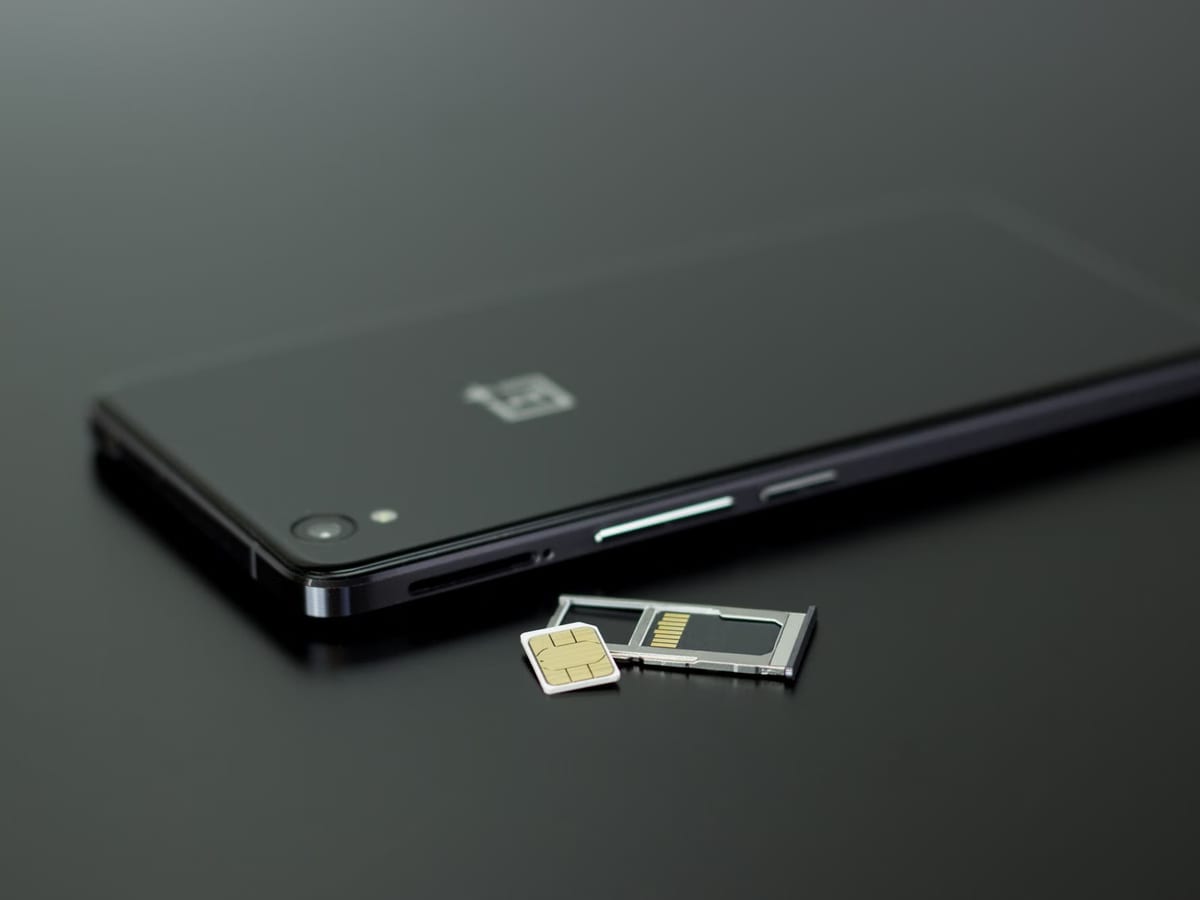
A single data profile that stays valid as you cross borders, backed by roaming agreements in every region we sell. Useful when the itinerary is still loose and you would rather not buy a new plan in each arrivals hall.
Read more about global esim plans
A pass scoped to one region — Europe, Latin America, Asia-Pacific — usually lands somewhere between a local plan and a global one on price, and it removes the small ritual of reinstalling a profile every fortnight.
Read more about regional data passes
Provision profiles for a whole team from one console, keep a single monthly invoice, and set spend rules per person. Built for companies whose staff move rather than commute.
Read more about connectivity for distributed teams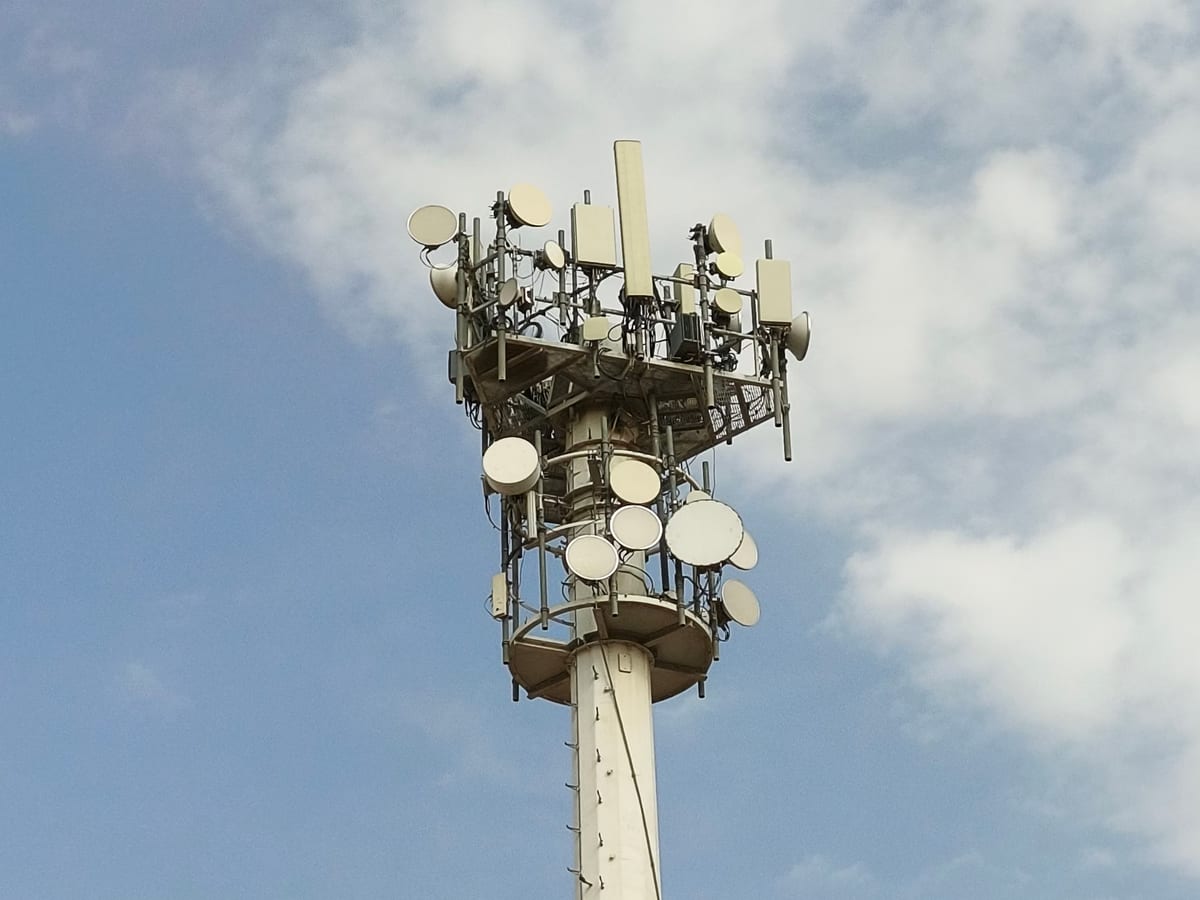
Which partner carriers we attach to, which LTE and 5G bands they run, and where coverage thins out. We publish the constraints because being told the truth in advance is worth more than an optimistic map.
Read more about coverage & network partners
City chapters, monthly meetups, coworking partners and a member directory you can actually search. Connectivity gets you online; the community is what stops a long stint abroad from getting quiet.
Read more about the roam ink community
Activation problems, profile deletion, a phone that will not attach to any network — the things that only ever happen at inconvenient hours. Written support with a documented escalation path, plus a troubleshooting library you can read offline.
Read more about support while you're roamingNearly every failed activation we see traces back to one of two things: a phone with no embedded UICC, or a phone still locked to the carrier that sold it. Both are checkable from the settings app in under two minutes.
Working remotely is rarely undone by bandwidth. It is undone by the third month in a city where you have not had a real conversation since Tuesday. The community side of Digital Roam Ink exists for that problem.
Each chapter is run by members who actually live there, with a local channel, a standing meeting slot and a short guide to the practical things — visas, banks, neighbourhoods, which cafés tolerate a four-hour laptop session.
Monthly, low-ceremony and deliberately small. No pitch nights, no badge scanning. Most turn into a dinner, and a few turn into the collaboration that pays next quarter's rent.
Member rates at independent coworking spaces in chapter cities — day passes rather than annual contracts, because that is how the work actually arrives. Alongside them sits a directory you can search by city, skill and availability, with contact controls set by each member rather than by us. Nothing is scraped, nothing is sold on, and you decide how findable you are.
The three plan shapes suit three different trips. This table describes how they behave rather than what they cost, because prices move with partner agreements and exchange rates.
| Local | Regional | Global | |
|---|---|---|---|
| Coverage scope | One country, attached to that market's partner networks. | One region — for example Schengen Europe, Latin America or South-East Asia. | Multiple regions on a single profile, with the widest partner pool. |
| Typical validity | Short windows, commonly 7 to 30 days. | Medium windows, commonly 15 to 90 days. | Longer windows, often 30 days upward with rolling renewal. |
| Number or data-only | Data-only. No local voice number, no SMS. | Data-only. | Data-only. |
| Tethering | Usually permitted; a few markets restrict it. | Usually permitted across the region. | Permitted, though some partner networks apply their own limits. |
| Top-up | In-app top-up; validity extension varies by market. | In-app top-up, generally extending the window. | In-app top-up with the most flexible extension rules. |
| Identity checks | Required in some markets before activation. | Depends on the strictest country in the region. | Applied per market as you arrive in it. |
| Best for | A fixed stay in one country. | A season spent moving inside one region. | An itinerary that keeps changing, or frequent long-haul work travel. |
Practical writing about connectivity, paperwork and the working habits that survive a change of continent. No listicles about the ten best beach cafés.
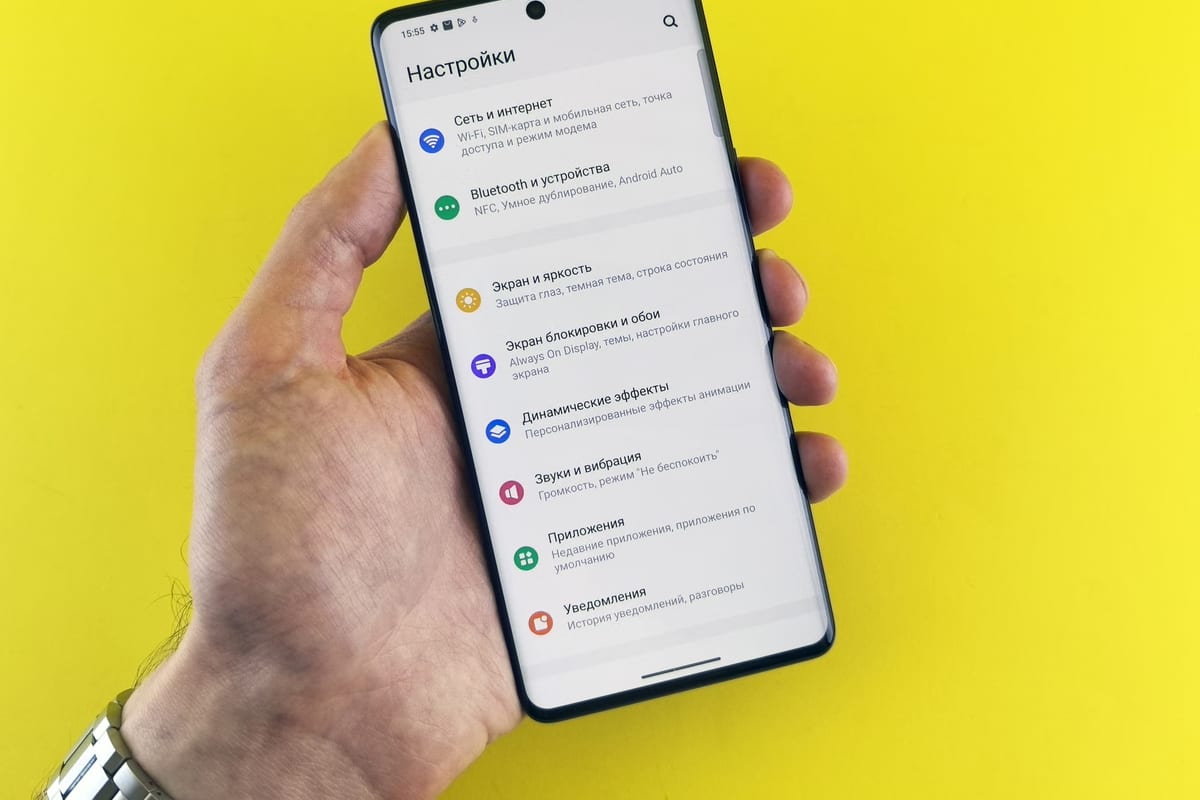
Profiles, EIDs and the SM-DP+ handshake, plus the handful of situations where a physical SIM is still the better call.

Volume is the least interesting number on a plan page. Validity, scope, top-up behaviour and tethering matter more.

A schedule that survives a nine-hour offset needs written handovers, honest overlap windows and defended sleep.

Tourist stamps, digital-nomad permits, the 90/180 Schengen rule and why tax residency is a separate question.

What a hostile network can and cannot see, why DNS leaks, and how to think about VPNs without the marketing.

Routines break on the third city, not the first. Fixed anchors, portable equipment and a workday with an end.
Shared with permission and kept anonymous, because a member directory is not a marketing asset.
I stopped buying a new SIM in every arrivals hall, which sounds small until you have done it eleven times in a year. The profile is already on the phone before I board.
The honest coverage notes are the reason I stayed. Somebody actually wrote down which parts of the country are thin instead of colouring the whole map green.
I joined for the data plan and stayed for the Thursday coworking day. Six months in a city goes very differently when you know eight people in it.
Most phones released since roughly 2019 have the hardware, but two things have to be true: the device must contain an embedded UICC, and it must not be carrier-locked. Dial *#06# and look for an EID under the IMEI. If there is no EID, the phone cannot hold a downloaded profile at all.
No. Our plans are data-only. There is no local voice number and no SMS on the profile, which also means you cannot use it to receive bank one-time passwords. Keep your home SIM in the phone for that, with data roaming switched off, and use data-based calling for voice.
Technically yes, but you need internet to do it — hotel Wi-Fi, an airport network or a hotspot from someone else. Installing before departure over a stable connection is far less stressful, and the profile sits dormant until you enable it.
The profile stays installed and you top up in the app rather than starting again. On most plans a top-up extends the remaining validity window; on a few it does not, and we say which on the plan page before you buy.
On most of our plans, yes, and we mark the exceptions clearly. A handful of partner networks throttle or block hotspot traffic in specific markets. Tethering also burns data considerably faster than you expect, especially if a laptop decides to run a system update.
Because we could not stand behind the number. You are roaming on a partner network whose performance depends on the local site, the band your phone supports, the time of day and how many other people are on the same cell. We publish the technology and the partner instead.
Yes. Several markets have KYC rules that apply to prepaid connectivity, so activation there may require a passport scan or a local registration step before the profile carries traffic. Those markets are flagged on the plan page, not hidden in the checkout.
Yes, and most members do. The eSIM handles data while the physical SIM stays reachable for calls and messages from home. Set the eSIM as the mobile data line and disable data roaming on the physical one so nothing quietly runs up a bill.
Tell us where you are heading and how long for, and we will point you at the plan shape that fits — or tell you plainly that a local SIM bought on arrival would serve you better.